
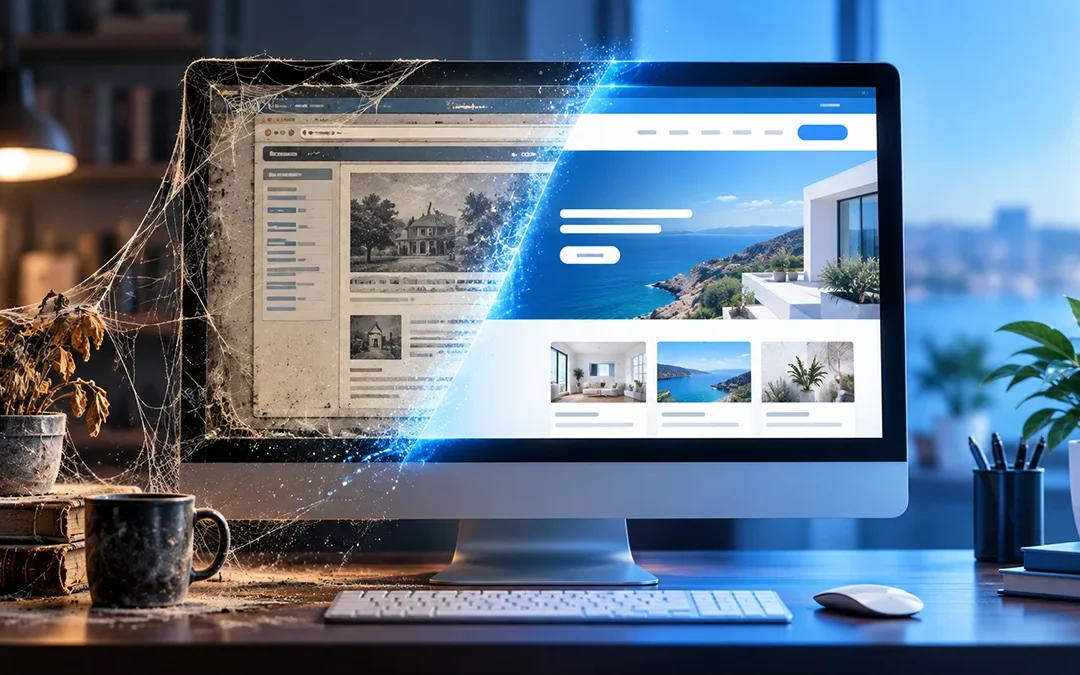
When was the last time you really looked at your website?
Not just a quick glance at the home page. I mean clicking through it as if you were a potential customer seeing your business for the first time.
You might be surprised by what you find. An old phone number. A service you no longer offer. A broken link. A holiday announcement that should have come down months ago. Or maybe the site still works, but it no longer reflects the business you have today.
These little things are easy to overlook when you are busy running a business. But to a visitor, they can raise a bigger question: Is this business still active, and can I trust the information on this website?
Your website should help people feel confident about contacting you. Keeping it current is a simple way to help make that happen.
Your website is often your first impression
Imagine someone hears about your business and searches for you online. They find your website, but the latest announcement is several years old, the hours do not match what they saw on Google, and the contact form does not appear to work.
They may move on to another business rather than take the time to figure out what is correct.
Now imagine that same person finds clear information about what you offer, recent photos of your work, accurate contact details, and an easy way to get in touch. Your website has helped them take the next step.
That does not mean you need to change your website every day or constantly add new pages. It means the information people rely on should be accurate, useful, and easy to find.
What should you update?
Contact information and hours. Make sure your phone number, email address, location, service area, and business hours are correct everywhere they appear. If your hours change for a holiday, update them when needed.
Services and pricing. Does your website explain what you actually offer today? Remove services you no longer provide and update any prices or starting prices that have changed.
Photos and examples of your work. If you have permission to share them, add pictures of recent projects or work that helps visitors understand what you do. A lawn service, for example, might show a recently completed property. A contractor might show a finished project.
Announcements and promotions. An outdated sale or event can make a website feel neglected. Remove expired offers, or clearly state when a promotion ends.
Links and forms. Click the links on your pages and test your contact form. A visitor who is ready to ask about your services should not run into a dead end.
Your message. Read your home page and ask yourself: “Would someone new understand what I do, who I help, and how to contact me?” If the answer is not clear, it may be time to make some changes.
There is more to updates than what visitors see
A website also needs attention behind the scenes. If your site uses WordPress, its software, theme, and plugins need to be maintained. Backups should be taken and checked, too.
Putting off those tasks can leave you dealing with problems that could have been caught earlier. Updates should be handled carefully because changes to one part of a website can sometimes affect another. That is one reason backups and a quick check after updates matter.
No maintenance plan can promise that a website will never have a problem, but regular care can help reduce avoidable trouble and make it easier to respond when something goes wrong.
Can updating your website help people find you?
Helpful, accurate information gives visitors a better reason to use your website. It also helps search engines understand what your pages are about.
For example, if you offer lawn care in a particular area, clearly explaining your services and the communities you serve can help people understand whether you are a good fit. A useful article that answers a question your customers often ask may also give them another way to discover your business.
But simply changing a few words or publishing a blog post does not guarantee higher rankings or more customers. The goal is to make your website genuinely useful to the people you want to reach.
A simple place to start
- Open your website on your phone and computer.
- Check your contact information, hours, and services.
- Click your main links and send yourself a test through your contact form.
- Make a short list of anything that is outdated or difficult to use.
- Choose one item to fix first.
Then put a reminder on your calendar to look over your website regularly. How often you need to update it will depend on your business, but even a periodic review can help you catch things you may have missed.
Ready to talk about your website?
Whether you run a small business or serve a church or ministry, Ark Web Design can help you build and care for a website that fits your needs.